

Industries
Scheduling and time tracking for cleaning
Early mornings, late evenings and staff working in premises where nobody else is. Timply lays out the schedule per site, records the time on location and works out OB before payroll runs.
- Size
- 5 to 80 employees, often with a high share of part-time staff working several sites in a week
- Shift pattern
- Shifts before office hours and after closing, shorter shifts at several addresses on the same day, and weekend cleaning at some sites
- What payroll has to handle
- OB (the Swedish unsocial-hours premium) on early mornings and late evenings, part-timers working above their contract, and hours per site
Conditions
The shifts fall before office hours and after closing.
One employee can have several short shifts at different addresses on the same day.
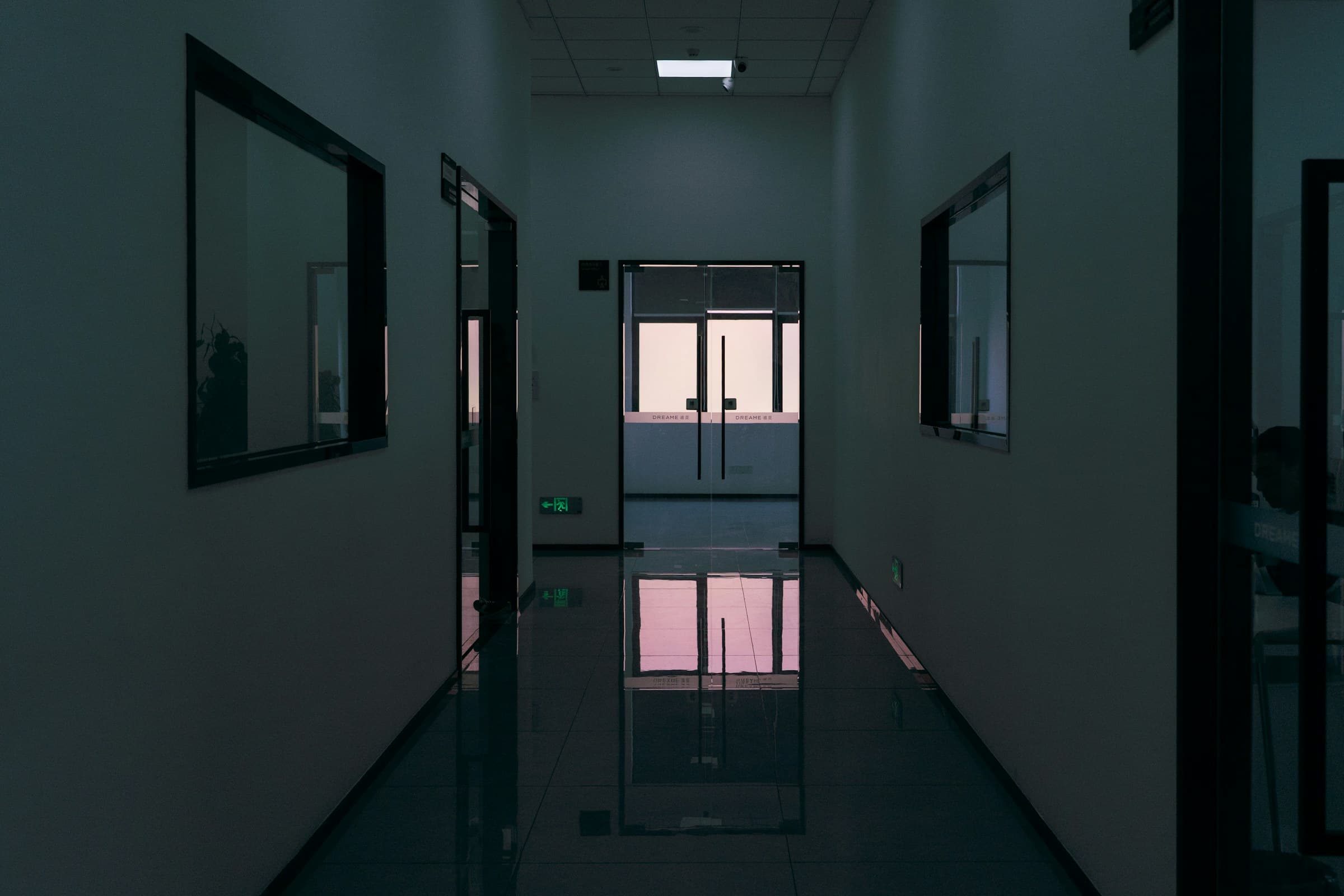
The work is done in premises where nobody from your own organisation is present.
The share of part-time employment is high, and extra shifts at other sites are common.
Some sites are cleaned at weekends as well.
How Timply is used in this industry
Clocking in at the site
Staff clock in on their phone when they reach the address and out when they leave. If the clock-in has to have happened on site you switch on location validation, and both ends are checked against a geofence.
Morning and evening OB, split per category
You set which times carry OB and which code each category is booked to. A shift starting at 05:00 and one ending at 22:00 are allocated automatically across the right categories.
The week laid out per site
Lay the shifts out on the addresses and publish. Staff see their shifts on their phone, and you see which shifts are unstaffed before the week starts.
Mertid for part-time, overtime for the rest
The contracted hours per week are set per employee, so extra shifts at other sites land correctly. Mertid is booked on MER and overtime on ÖT1 or ÖK1 depending on what the employee chose.
One payroll record for all the staff
Hours worked, OB per category, mertid and absence are totalled per employee and already carry their code. You download a PAXml 2.0 file and import it into payroll.
The workplace is somebody else's premises
Cleaning is done where nobody else is. That is the point of it, and it is also why nobody is present to see when staff arrived and left.
The time clock on the phone moves the recording to the place. If the clock-in has to have happened at the site you switch on location validation, and both clock-in and clock-out are then checked against a geofence around the address. The check is made at the moment of recording, not afterwards.
The shifts fall where OB starts
A cleaning business works before office hours and after closing. That means a large share of the time falls inside an OB window, and that share grows or shrinks with your own times.
You enter your OB windows as categories with their own times and weekdays, and every clocked hour is allocated to the right category for you. A shift starting at 05:00 and one ending at 22:00 are both counted without anybody totalling them by hand.
Several sites on the same day
Staff can have four short shifts at four addresses in one day. Timply lays them out as four shifts, and each shift is compared against the actual clock-in separately.
That does two things. A deviation names the site and the time it belongs to, and a customer asking what was done gets an answer built on recorded time.
Part-time is counted per person
The share of part-time employment is high in this trade, and extra shifts at other sites are common. The line between mertid and overtime depends on the contracted hours per week, which are individual.
Timply calculates per employee. Mertid is the hours a part-timer works above their contract but below full time, and it is booked on MER. Hours above a full day become overtime on ÖT1 or time off in lieu on ÖK1, depending on what the employee chose when the time was recorded.
Common questions
Can we see that staff were on site?
Yes, if location validation is switched on. Both clock-in and clock-out are then checked against a geofence around the address, and the entry is recorded with that check made.
Does it work with several short shifts on the same day?
Yes. You put several shifts on the same day for the same person, and each shift is compared against the actual clock-in separately.
How is OB calculated on a shift starting at five in the morning?
The hours before the time you have set as the OB boundary are allocated to the category you chose, and the code follows through to the payroll record. You change the default set to your own times.
Can somebody cover a shift?
Yes. You reassign the shift in the schedule and publish, and the change is visible on the phone the same second.
Do staff need a computer to clock in?
No. The time clock is in the mobile app and in the browser, so the phone is enough when the workplace is somebody else's premises.
More features
A digital time clock in the phone or on a shared terminal
Staff clock in and out in the app or the browser. The time is recorded against the server as it happens, so it is not written down and typed up later.
OB, split by the hours and weekdays you set
You enter the windows your collective agreement uses. Timply divides every clocked hour between them and books each part to the payroll code it belongs to.
Lay out the week and publish it
Create shifts, staff them and see straight away which ones are unstaffed. Everyone gets their own schedule on their phone the second it is published.
Overtime or time off in lieu, chosen when the hours are recorded
The employee picks payment or time off at the moment the overtime is recorded, and the choice carries through to the payroll file as ÖT1 or ÖK1.
Try Timply with your own staff
Set it up yourself with your real schedule and your real staff. If you would prefer someone to walk you through it, book a demo.
- Trial
- 14 days
- Credit card
- Not required
- Refund
- Within 30 days of purchase